You plug your smartphone into the charger, place it on your nightstand, and go to sleep. By the time you wake up, your device has been connected to power for seven or eight hours. This routine raises a common worry: does overnight charging ruin battery life, or is modern technology smart enough to prevent damage?
The short answer is that your phone will not explode or overcharge. Modern smartphones use lithium-ion batteries managed by internal Power Management Integrated Circuits (PMICs). These smart chips automatically stop the electrical current once your battery hits 100 percent. However, leaving your phone plugged in all night is not entirely harmless. Keeping a battery sitting at maximum capacity for hours subjects the cells to high voltage and ambient heat, which gradually degrades the battery health over time. If you want to understand why this happens in detail, you can read more about whether charging your phone overnight is bad for your specific device.
Lithium-ion batteries work by moving lithium ions between electrodes. When the battery is fully charged, these ions are packed tightly at one end, which creates physical stress. The PMIC acts as a gatekeeper, shutting off the flow of current when the battery reaches capacity, but it cannot stop the physical stress of the ions being held in that high-energy state.
To protect your device and extend its lifespan, you can adopt a few simple habits to minimize overnight wear.
1. Enable Smart Charging Settings
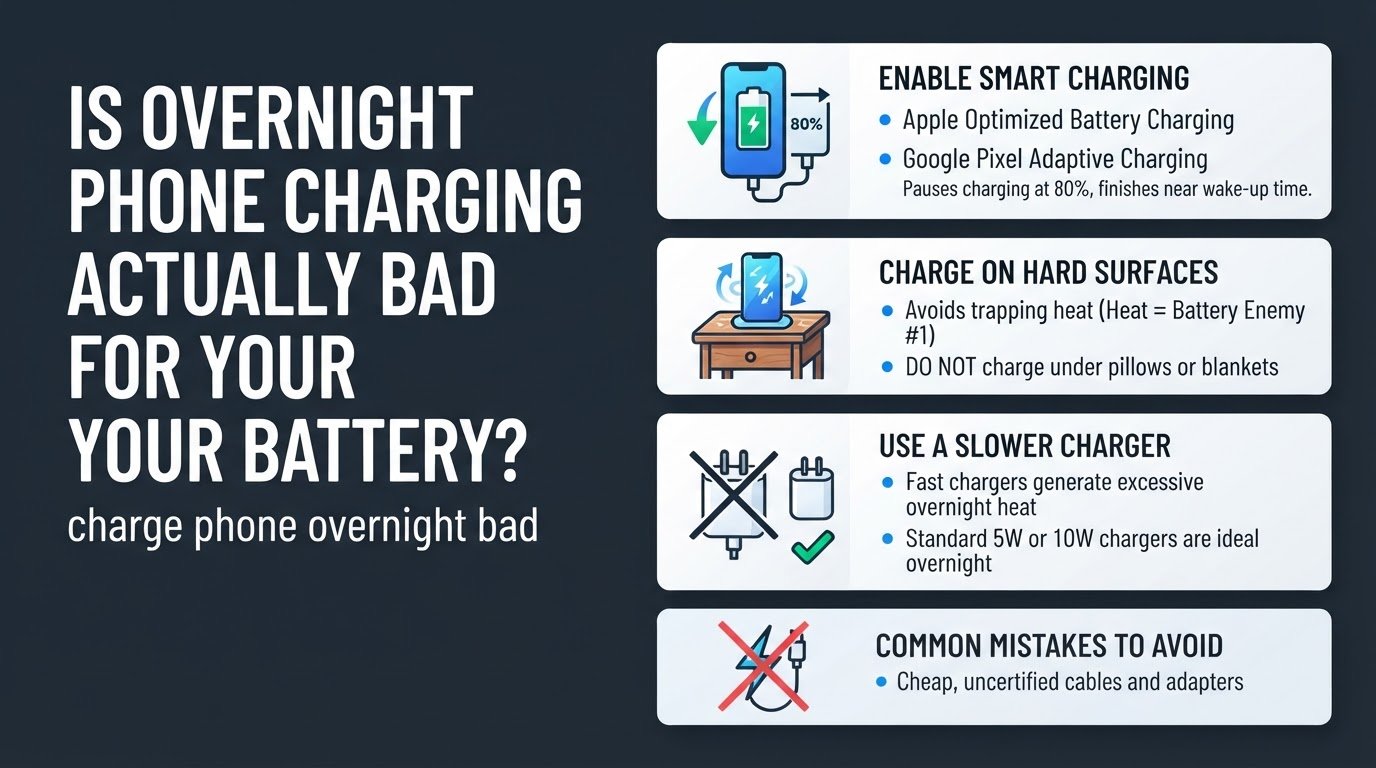
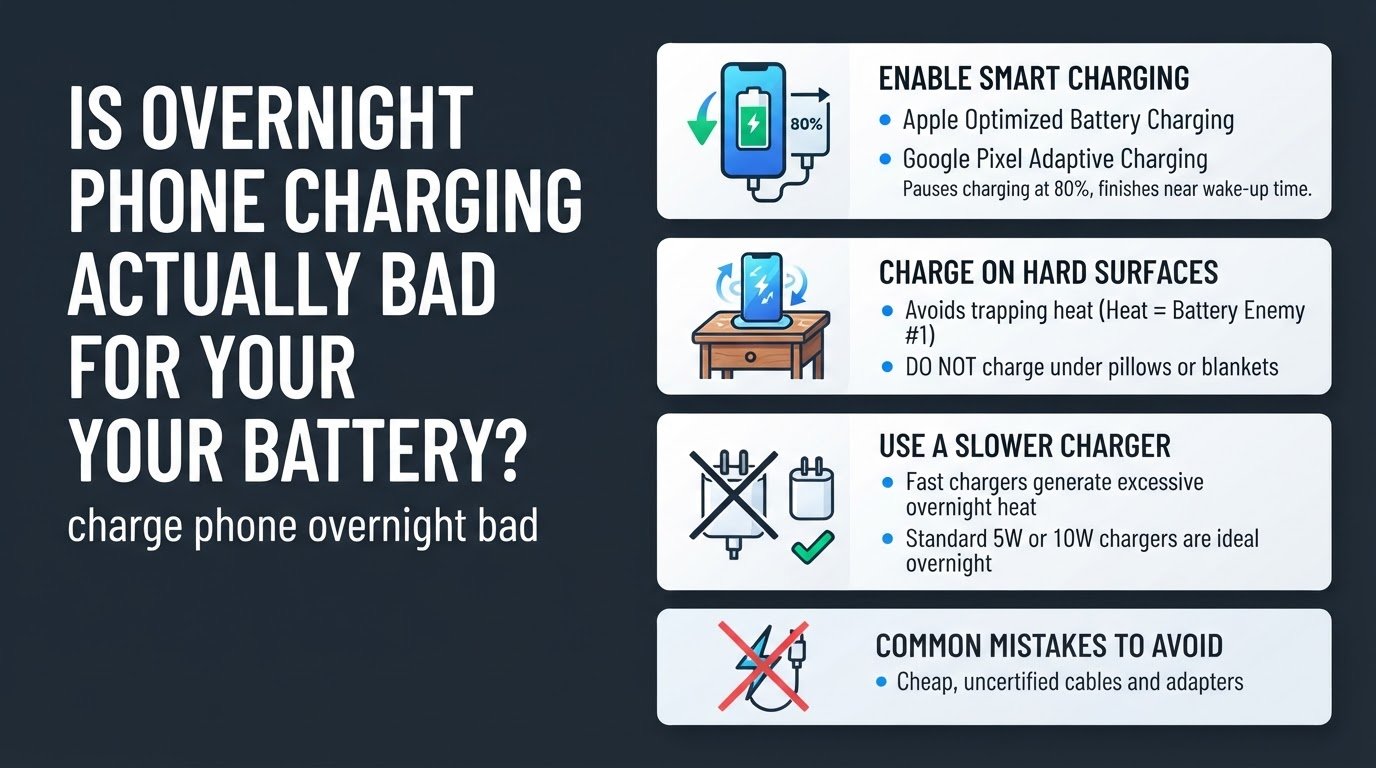
Both Apple and Google have built software solutions to tackle the high-voltage problem. Instead of letting your phone sit at 100 percent for hours, these systems pause charging at 80 percent and only finish the final 20 percent right before you wake up.
For iPhone users, this feature is called Optimized Battery Charging. You can activate it by navigating to Settings, selecting Battery, tapping Battery Health & Charging, and toggling on Optimized Battery Charging according to Apple Support. This feature is designed to reduce the wear on your battery and improve its lifespan by limiting the time your iPhone spends fully charged.
For Android users, Google offers a similar feature called Adaptive Charging. On a Pixel or compatible Android device, open your Settings app, tap Battery, select Adaptive preferences, and turn on Adaptive Charging as detailed by Google Support. The system uses your morning alarm settings and daily usage patterns to calculate exactly when to complete the charge.
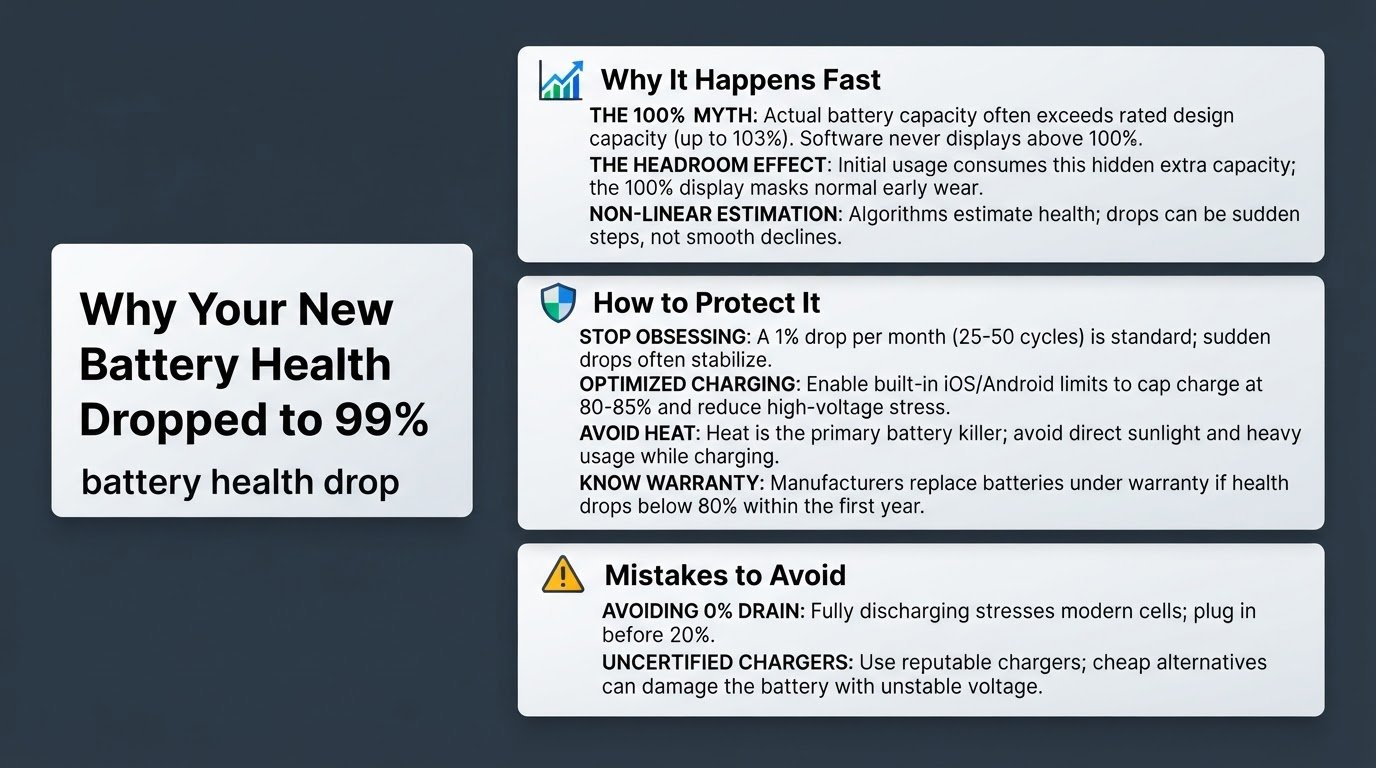
Over months of overnight charging, using these built-in tools prevents the battery from sitting at maximum voltage for too long. Managing this stress is also why you might notice your brand-new phone's battery health drops to 99 percent relatively quickly after purchase, as software calibrations adjust to real-world usage.
2. Charge on Hard, Flat Surfaces
Heat is the ultimate enemy of lithium-ion batteries. When your phone is plugged into a power source, it naturally generates heat. Placing your phone under your pillow, on your bed, or on soft bedding traps this heat, raising the internal temperature of the device.
High temperatures accelerate chemical degradation and, in extreme cases, can cause safety hazards. Apple explicitly warns against sleeping on top of a device, power adapter, or wireless charger, or placing them under a blanket or pillow when connected to a power source in their official safety guidelines.
Always place your phone on a hard, flat surface, such as a wooden nightstand or a desk, while charging. This allows air to circulate around the device and dissipate heat effectively. Additionally, remove thick or heavy protective cases before plugging your phone in for the night, as bulky cases can act as insulation and trap heat inside the phone.
3. Use a Slower Charger Overnight
Fast chargers are incredibly convenient when you need a quick boost during the day. However, using a high-wattage fast charger overnight is unnecessary and adds extra thermal stress to your battery. Fast charging pushes a high amount of current into the battery quickly, which generates significant heat.
Since your phone has several hours to charge while you sleep, speed is not a priority. Swap out your high-wattage fast charger for a standard 5W or 10W charger for overnight use. A slower charge generates much less heat, keeping your phone cool and reducing the physical stress on the battery cells.
Common Mistakes to Avoid
Many users make the mistake of using cheap, uncertified charging cables purchased from local markets or unauthorized online sellers. These cables often lack proper safety mechanisms and voltage regulation, which can send unstable currents to your phone and damage the charging port or the battery. Always use cables and adapters that are certified by your phone's manufacturer or reputable third-party brands.
By making these minor adjustments to your nightly routine, you can enjoy the convenience of waking up to a full charge without prematurely aging your smartphone battery.