You are sitting at your desk or relaxing at home when your phone suddenly buzzes. You look down to find a text message containing a one-time password or verification code for your bank, social media profile, or email account. The problem is that you did not request it. You were not trying to log in.
If you received an unsolicited OTP text message, your account is not yet hacked. In fact, the two-factor authentication (2FA) prompt means your security settings successfully blocked an unauthorized login attempt. However, this is a critical warning sign. It usually indicates that someone has your correct username and password, likely obtained from an online data breach, and is trying to access your account. In some rare cases, it could simply be another user who made a typo while entering their own phone number.
Because an attacker may already have your password, you must treat this as an active security alert. Here is exactly what you need to do to secure your accounts immediately.
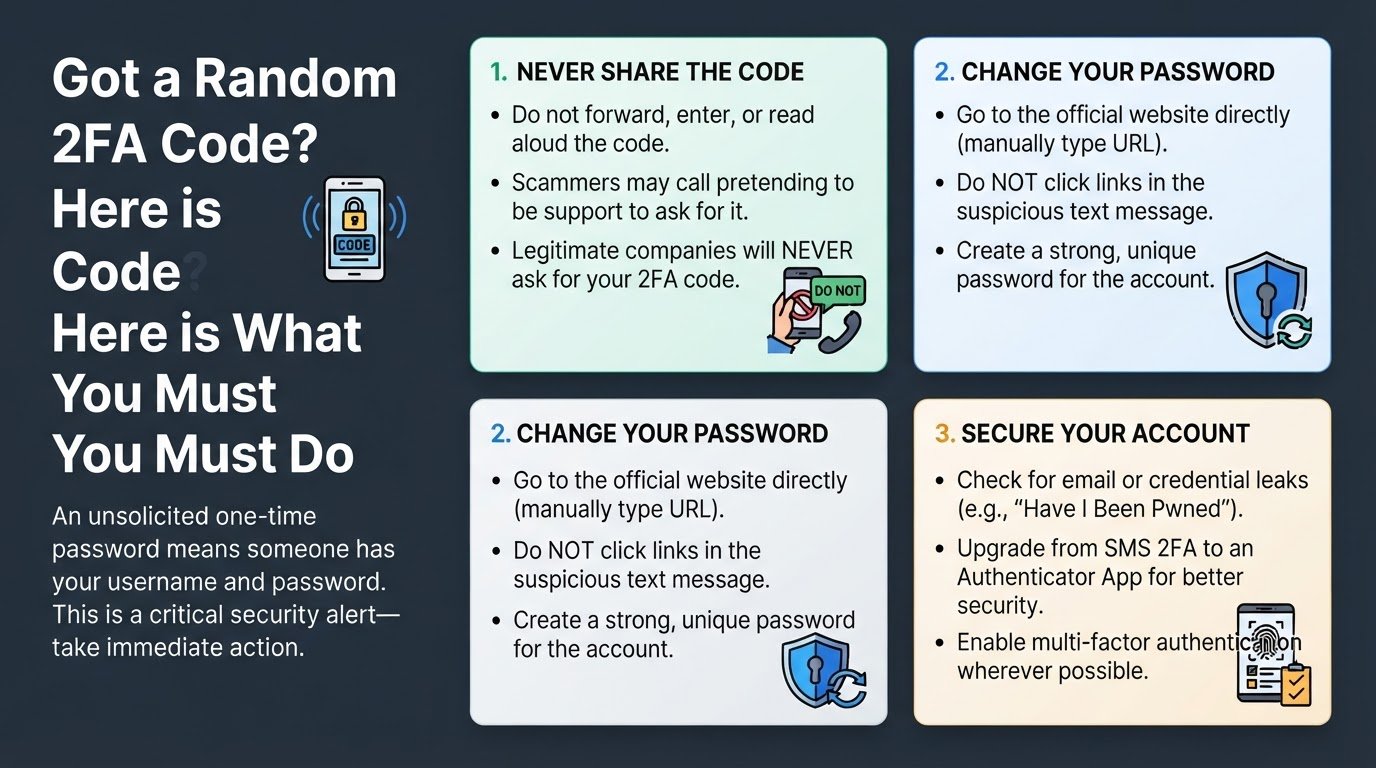
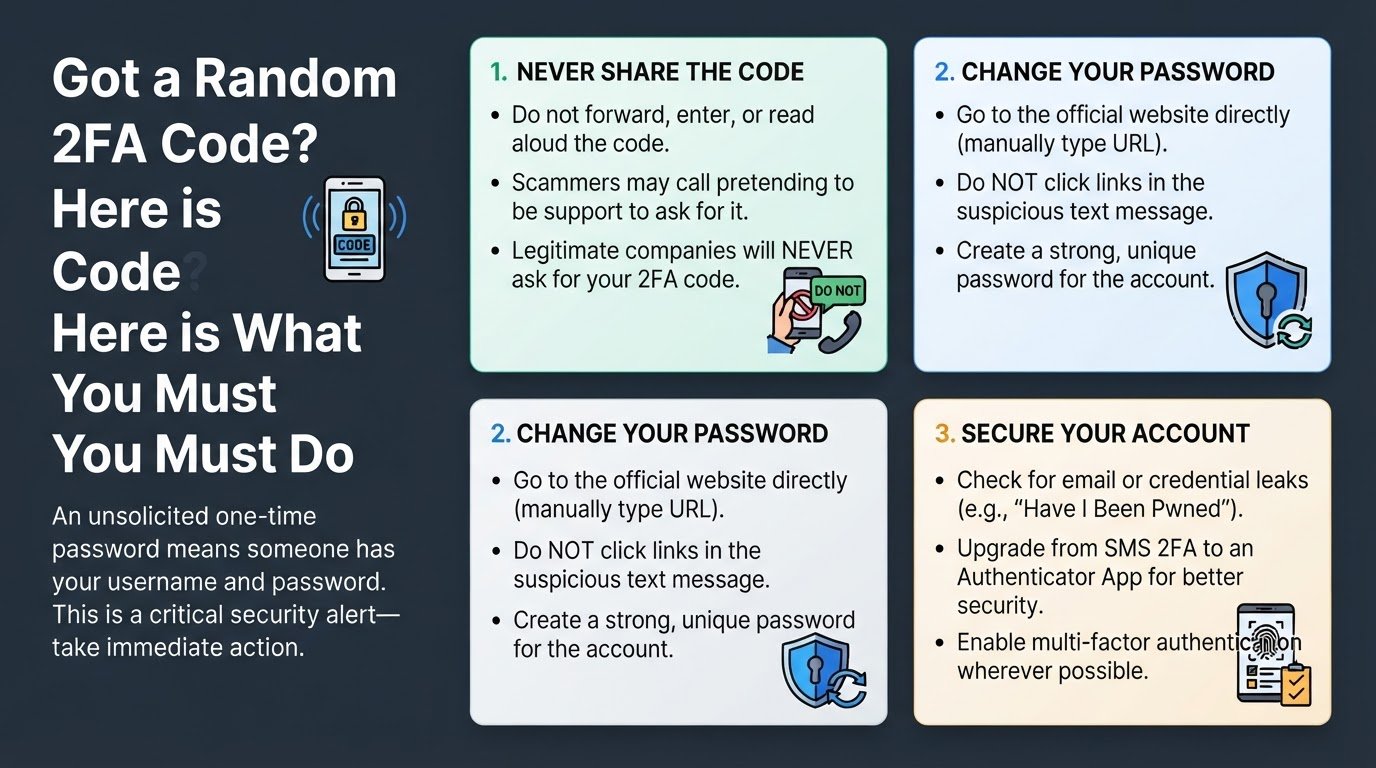
1. Never share the verification code
The most important rule when you receive an unexpected code is to do absolutely nothing with it. Do not forward the message, do not enter it on any website, and never read it aloud to anyone.
A common tactic used by cybercriminals is to send the unsolicited code and then immediately call or message you pretending to be a customer support agent or a fraud prevention officer. They might claim that your account is under attack and that they need you to read the code back to them to block the intruder. This is a scam. Legitimate companies will never contact you to ask for a verification code sent to your device. If you share that code, you are giving the attacker the final key they need to lock you out of your own account.
2. Change your password immediately
Since the attacker successfully triggered the 2FA prompt, they likely already know your current password. You need to change it before they find another way to bypass your security.
Do not click any links inside the unsolicited text message itself. Phishing messages often mimic official alerts but lead to fake login pages designed to steal your new credentials. Instead, open a web browser, manually type the official web address of the service in question, and log in securely.
Go to your account settings and update your password to a strong, unique phrase. Avoid reusing passwords across different platforms, as a single leak can compromise multiple accounts. If you need help managing these changes, you can read our guide on why you received an unsolicited 2FA code text to understand how credential stuffing works.
3. Check for credential leaks
When attackers target an account, they rarely guess passwords from scratch. They usually use automated tools to test email and password combinations that have leaked from previous corporate data breaches.
You should check if your email address has been exposed in a public breach. Websites like Have I Been Pwned allow you to search your email address against database leaks. Many modern browsers and password managers also have built-in security watchtowers that will flag compromised passwords. If you discover that your primary email has been compromised, you should check out our practical guide on what to do if your email leaked in a data breach to protect your digital identity.
4. Upgrade to app-based authentication
While SMS-based 2FA is much better than having no protection at all, it is the least secure form of two-factor authentication. Attackers can sometimes intercept text messages through SIM-swapping, where they trick your mobile carrier into routing your phone number to their own SIM card.
To prevent this, transition your important accounts away from SMS verification and enable an authenticator app, such as Google Authenticator or Microsoft Authenticator. These apps generate temporary codes directly on your physical device without relying on the cellular network.
Most major platforms allow you to disable SMS as a backup option once you have set up an authenticator app. Making this switch ensures that even if someone manages to compromise your phone number or intercept your text messages, your secure accounts remain completely out of their reach.