You are about to submit a major college essay, but you are staring at the upload button with a knot in your stomach. You only used Grammarly to clean up a few commas and typos, but you are terrified that Turnitin will flag your hard work as AI-generated. With schools setting strict policies on AI usage, a single false positive can jeopardize your grades and academic standing.
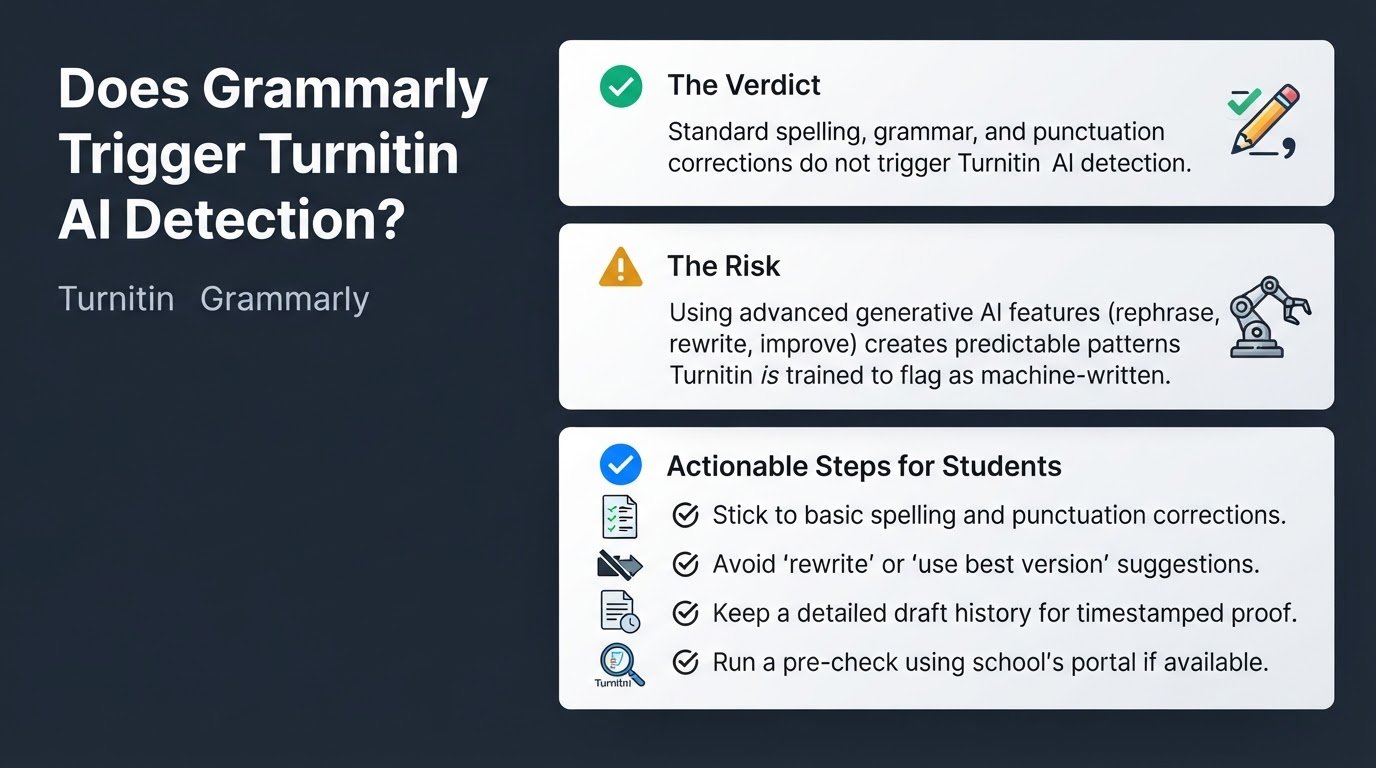
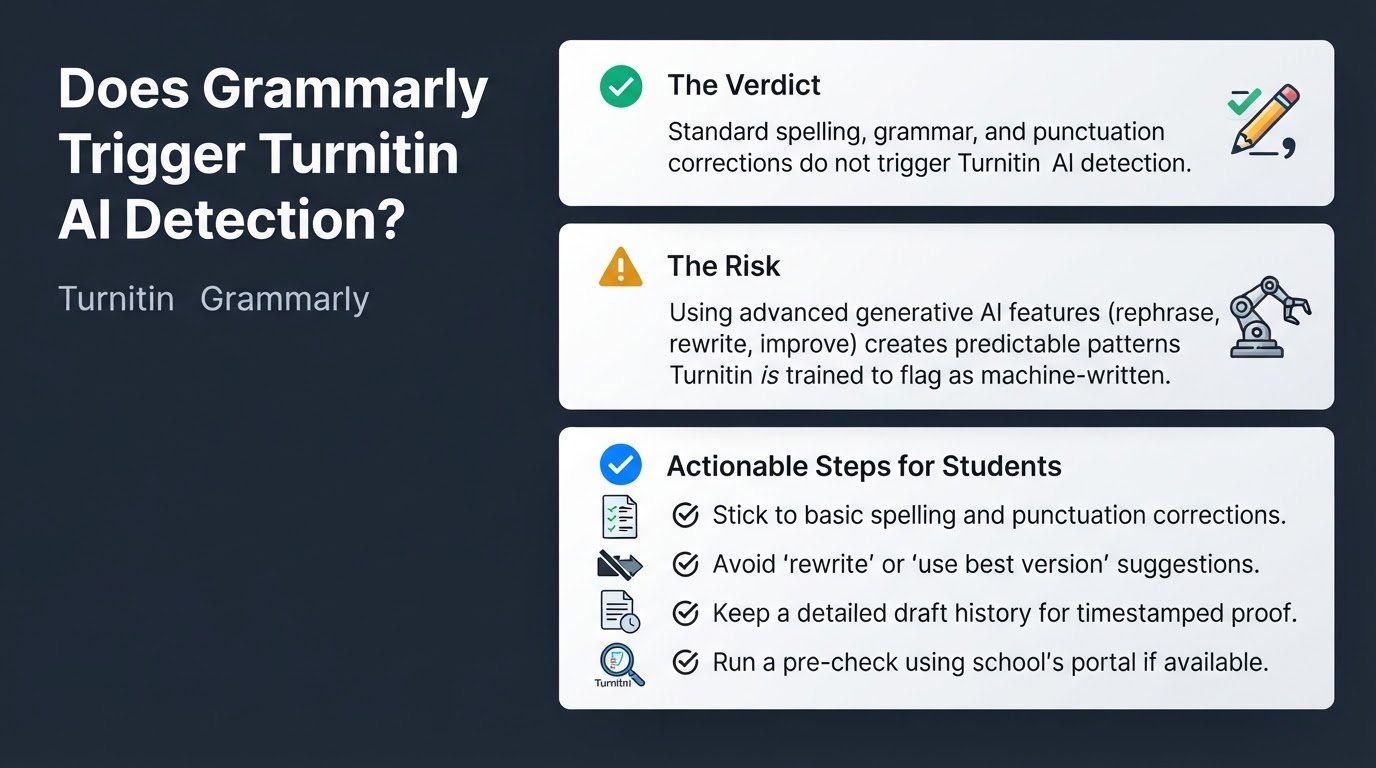
The direct verdict is simple: standard spelling, grammar, and punctuation corrections made by Grammarly will not trigger Turnitin's AI detector. However, if you use Grammarly's advanced generative AI features, such as the "rephrase", "rewrite", or "improve" buttons, Turnitin is highly likely to flag your essay as machine-written.
To understand why this happens, it helps to look at how these tools interact. Turnitin's detector is not tuned to flag standard spelling, grammar, and punctuation corrections. The risk occurs because modern Grammarly includes generative AI features. When you use Grammarly to rewrite or rephrase entire sentences, it uses a Large Language Model (LLM) to restructure your text. This removes natural human variation in sentence length and structure, creating the highly predictable, uniform patterns that Turnitin's detector is trained to flag.
If you accept every single automated suggestion, you slowly strip away your unique human voice. According to Turnitin's official AI detection guidance, the system looks for the highly consistent, highly predictable patterns typical of LLMs. When a student relies heavily on automated sentence restructuring, their writing style flattens out, mimicking the exact signature of an AI. For a deeper look at how educators analyze these patterns, you can read about whether teachers can actually detect ChatGPT and how AI detectors work.
To protect your academic integrity while still polishing your writing, follow these four practical steps.
1. Stick to basic spelling and punctuation corrections
When using Grammarly, limit your activity to localized, minor edits. Only accept suggestions that fix clear typos, missing commas, or basic subject-verb agreement errors. These minor adjustments preserve your original human voice and do not trigger AI writing indicators.
When you write naturally, your sentences have varied lengths, occasional awkward phrasing, and unique vocabulary choices. Turnitin's detector recognizes this natural variation. By keeping your corrections limited to basic mechanics, your original sentence flow remains intact, ensuring that the final text is recognized as your own work.
2. Avoid clicking 'rewrite' or 'use our best version' suggestions
Do not use Grammarly's generative AI features, paraphrasing tools, or paragraph-level restructuring. These features generate entirely new text using LLMs, which Turnitin will likely flag as AI-generated.
A common mistake is using Grammarly's "Paraphraser" or "Rewrite" tools to reword a source or clean up a messy paragraph, assuming it still counts as original human writing because the underlying idea was yours. In the eyes of an AI detector, any text generated by an LLM is machine-written, regardless of who provided the initial prompt. If you need to revise a confusing sentence, rewrite it manually. Read the sentence aloud, identify the core point you want to make, and type it out in your own words without clicking the automated suggestion buttons.
3. Keep a detailed draft history
Always write your essay in a program like Google Docs or Microsoft Word with version history enabled from the very beginning. This provides a clear, timestamped audit trail of your manual writing process to prove your authorship if a false positive occurs.
If your instructor confronts you with a high AI detection score, your version history is your strongest shield. It shows your essay growing sentence by sentence, paragraph by paragraph, over hours or days. An AI-generated essay is typically pasted into a document all at once, whereas a human-written essay shows edits, deletions, and gradual progress. If you find yourself facing an unfair accusation, you can follow this step-by-step guide on how to prove you didn't use AI on a flagged essay.
4. Run a pre-check if your school allows it
Many institutions offer student-facing portals or draft folders where you can submit your work before the final deadline. If your school provides this option, submit your draft to your institution's draft folder or a student-facing Turnitin portal beforehand to check for potential flags before final submission.
This pre-check allows you to see if your writing style or your limited use of editing tools has inadvertently triggered a high AI percentage. As detailed in the UTRGV Turnitin Student Guide, reviewing these draft reports gives you the opportunity to address any issues or gather your drafting evidence before your instructor receives the final copy. If you want to ensure your overall digital workflow remains secure and private while working on your assignments, you might also want to check if Grammarly is reading your private writing and how to manage its data sharing settings.
By keeping your editing manual, ignoring the tempting "rewrite" buttons, and maintaining a solid paper trail of your drafts, you can use basic spelling checkers with complete peace of mind.